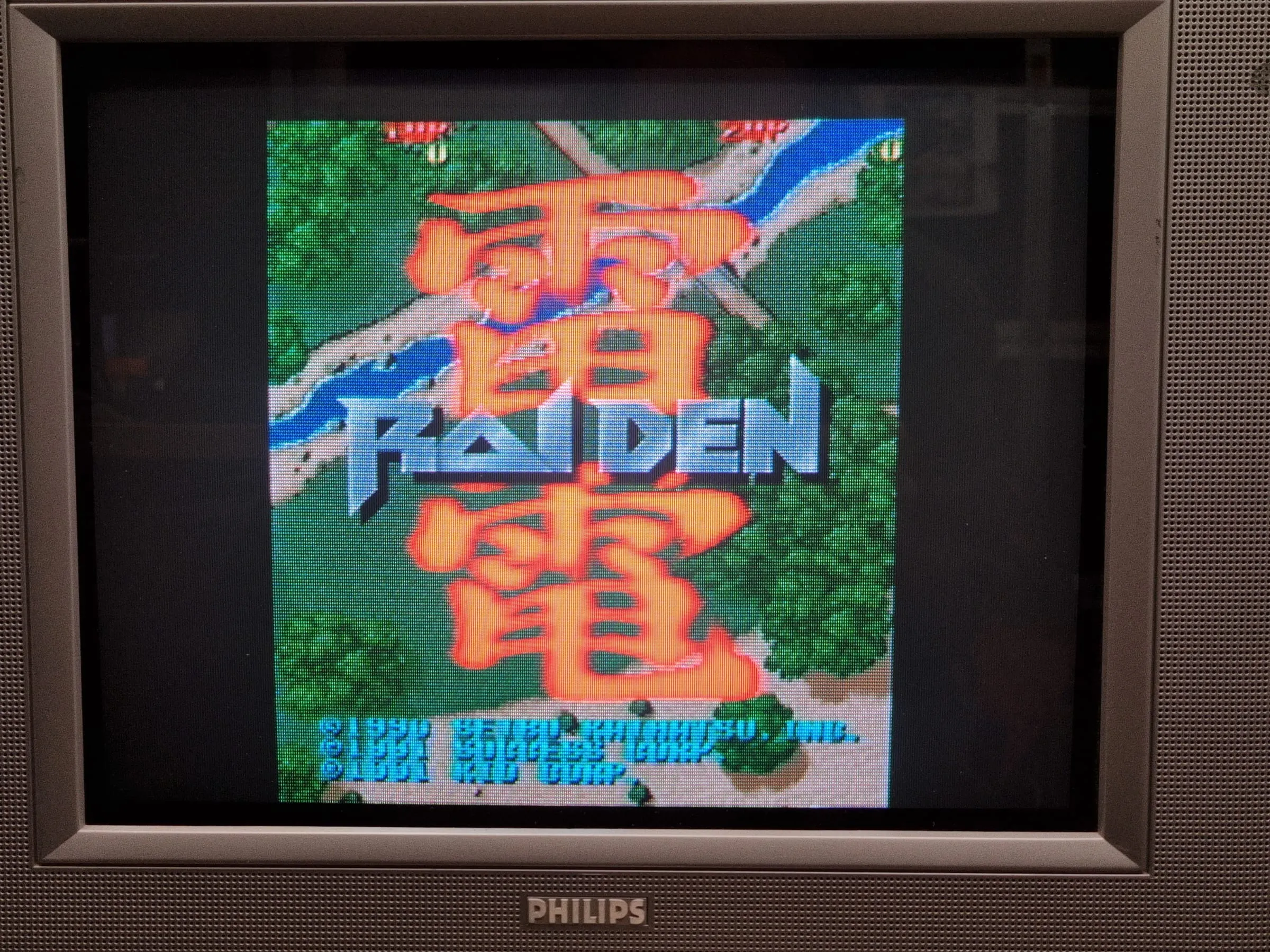
FM TOWNS Marty - no boot no image repair
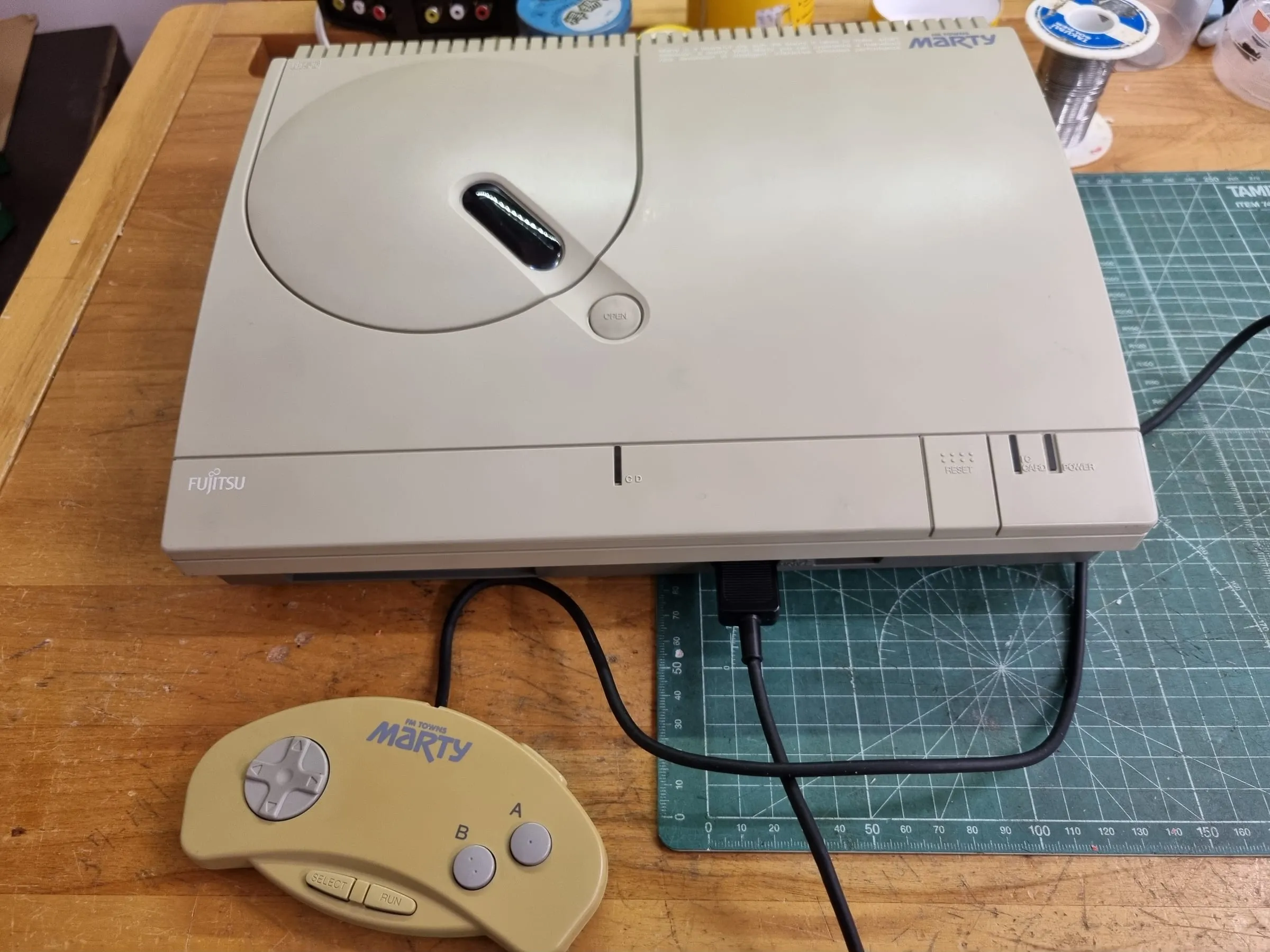
Fujitsu FM TOWNS Marty 1
This obscure Japanese Fujitsu FM TOWNS Marty has a faulty turning on but no image is displayed. Only occasionally it will display an error message in Japanese says “There was an unrecoverable error happened, please press the reset switch.”
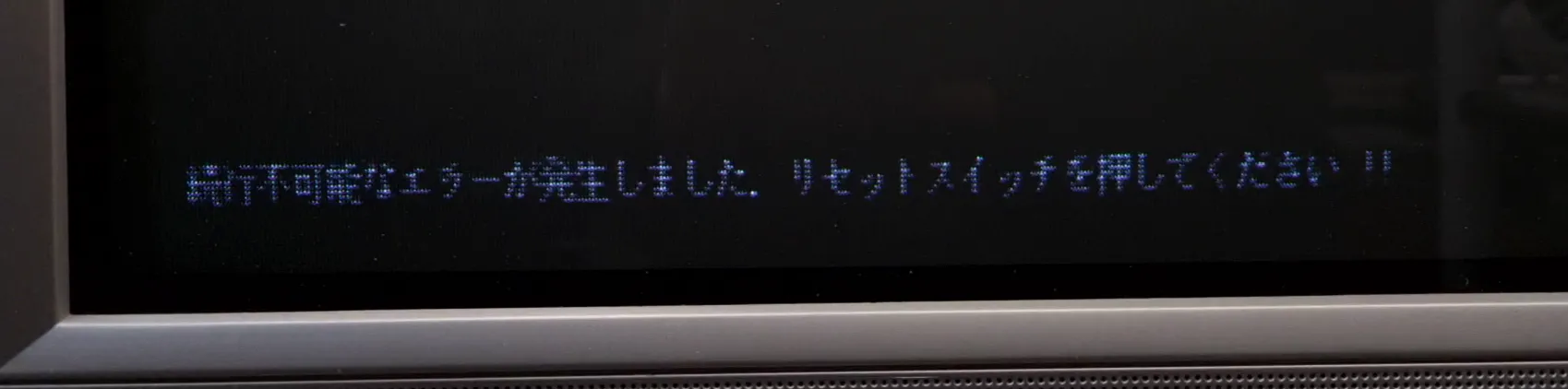
Diagnosis
From what is being said on the Internet, the unit is likely to have degraded or dried capacitor on the power supply that caused the refuse to power on. My check on the PSU voltage is fine, both 5V, 9V and -9V rail reads OK, and tested ripple with oscilloscope found no major issue either.
Upon disassembling, the broken pieces of the belt from the floppy disk driver fell out. So the belt needs to be replaced too.
So, recap and belt replacement should be the whole job, right? Only to find out.
The repair
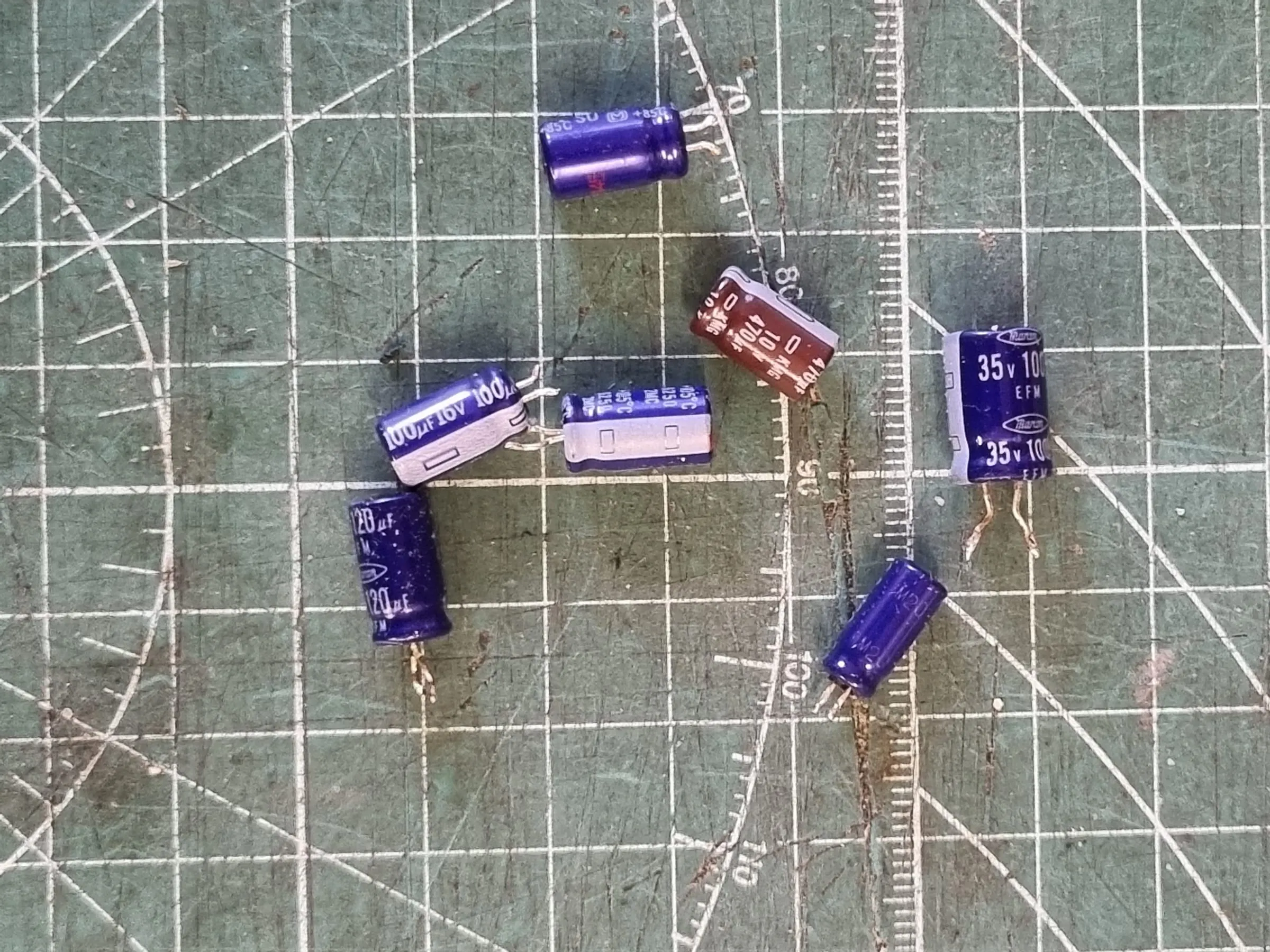
Found on PSU there are two small capacitors on -9V and +9V is dried up(47uF and 100uF, if I remembered correctly), but they are covered by other larger capacitors anyway. On the cold side, all other capacitors reads fine. I ended up replacing 4 of them, including those marginal ones. Put it back and still powers to a black screen. Sync signal presents, no boot.
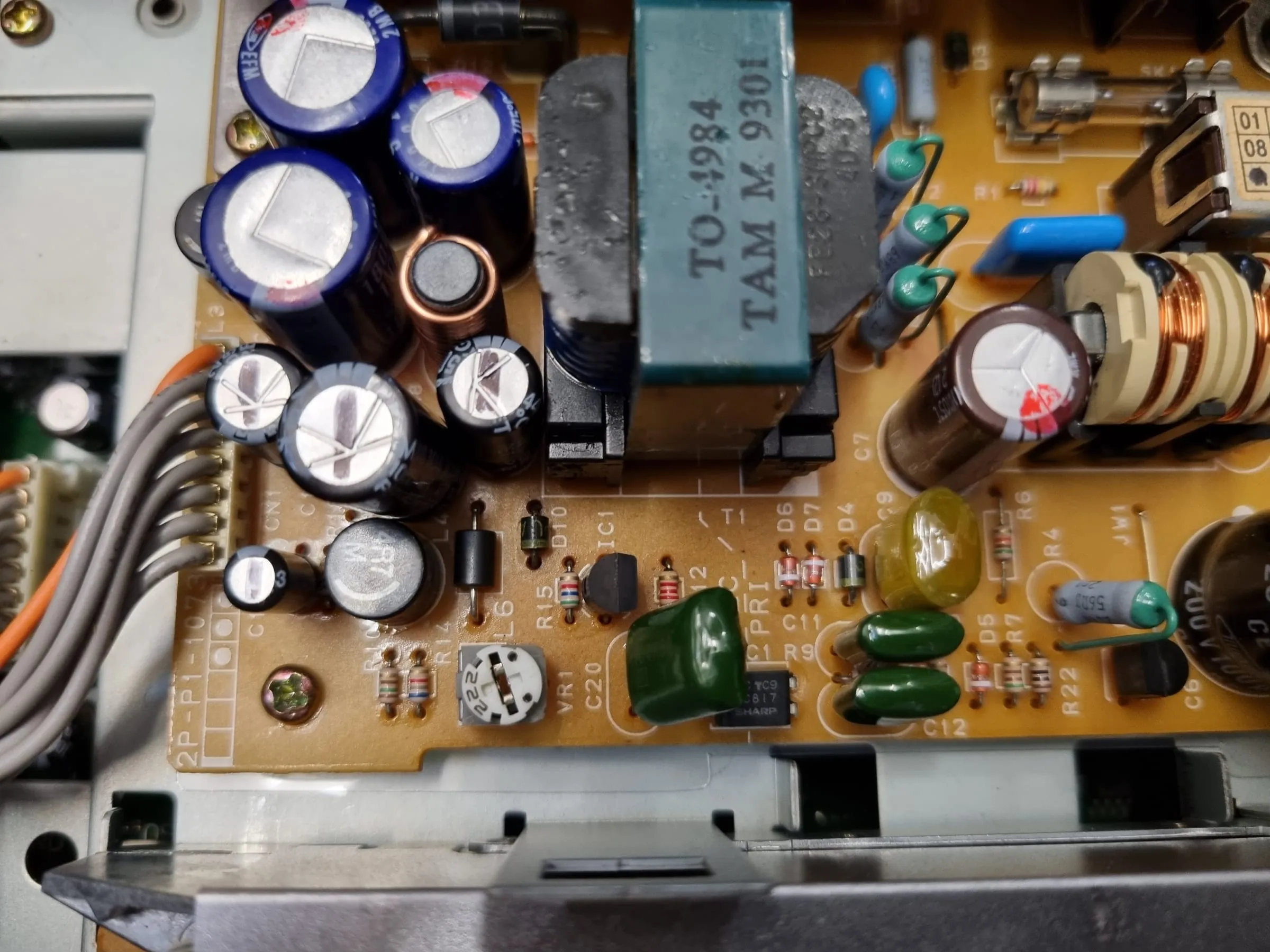
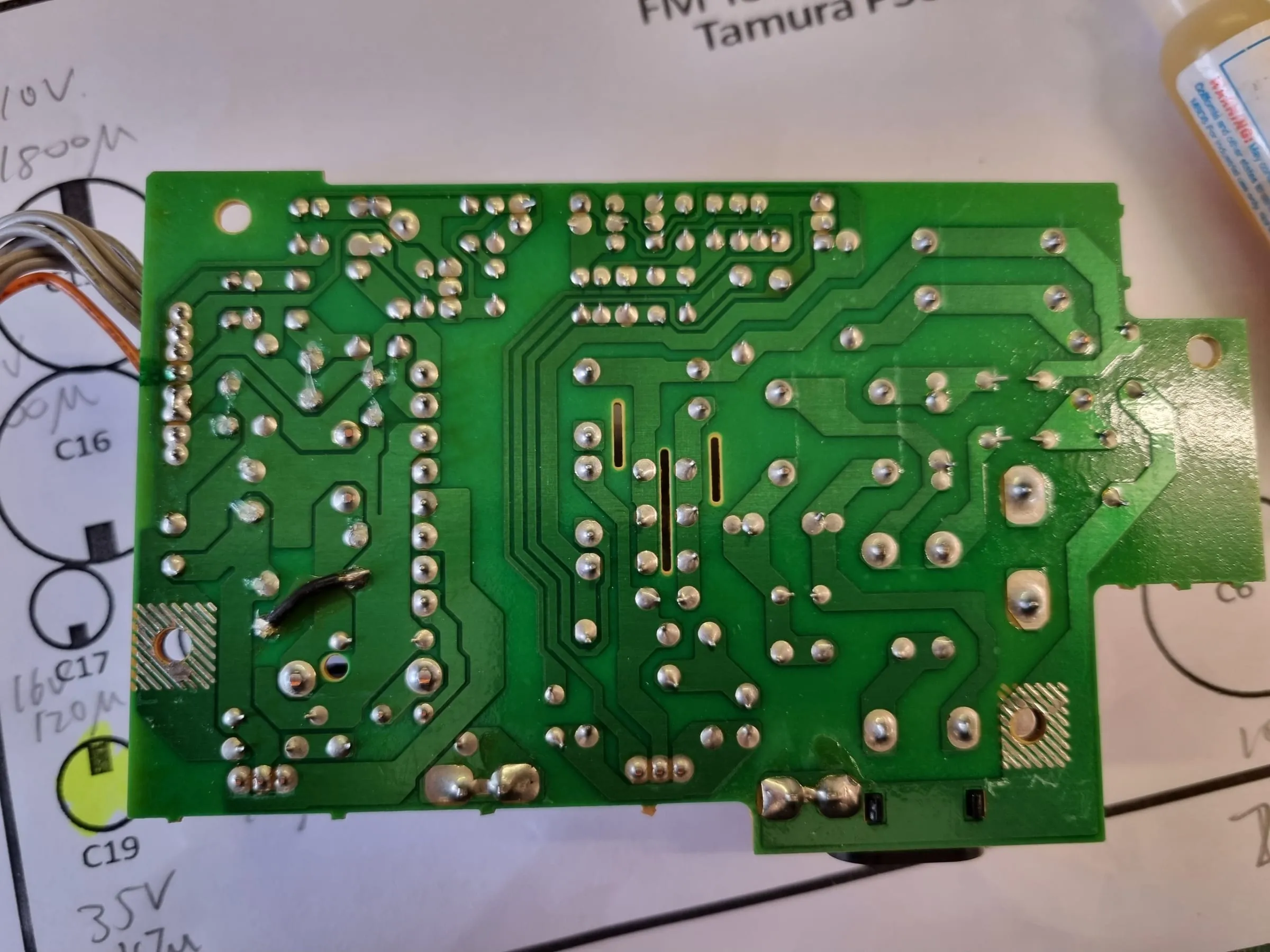
So, it’s not the PSU issue. Dive deeper.
Diagnosis Round #2
The mainboard has some radical factory bodge indicating this is an early revision board, so lots of design errors have to be mended by bodges. Some bodges touch those custom Fujitsu ASICs so I decided to give them a reflow where possible.
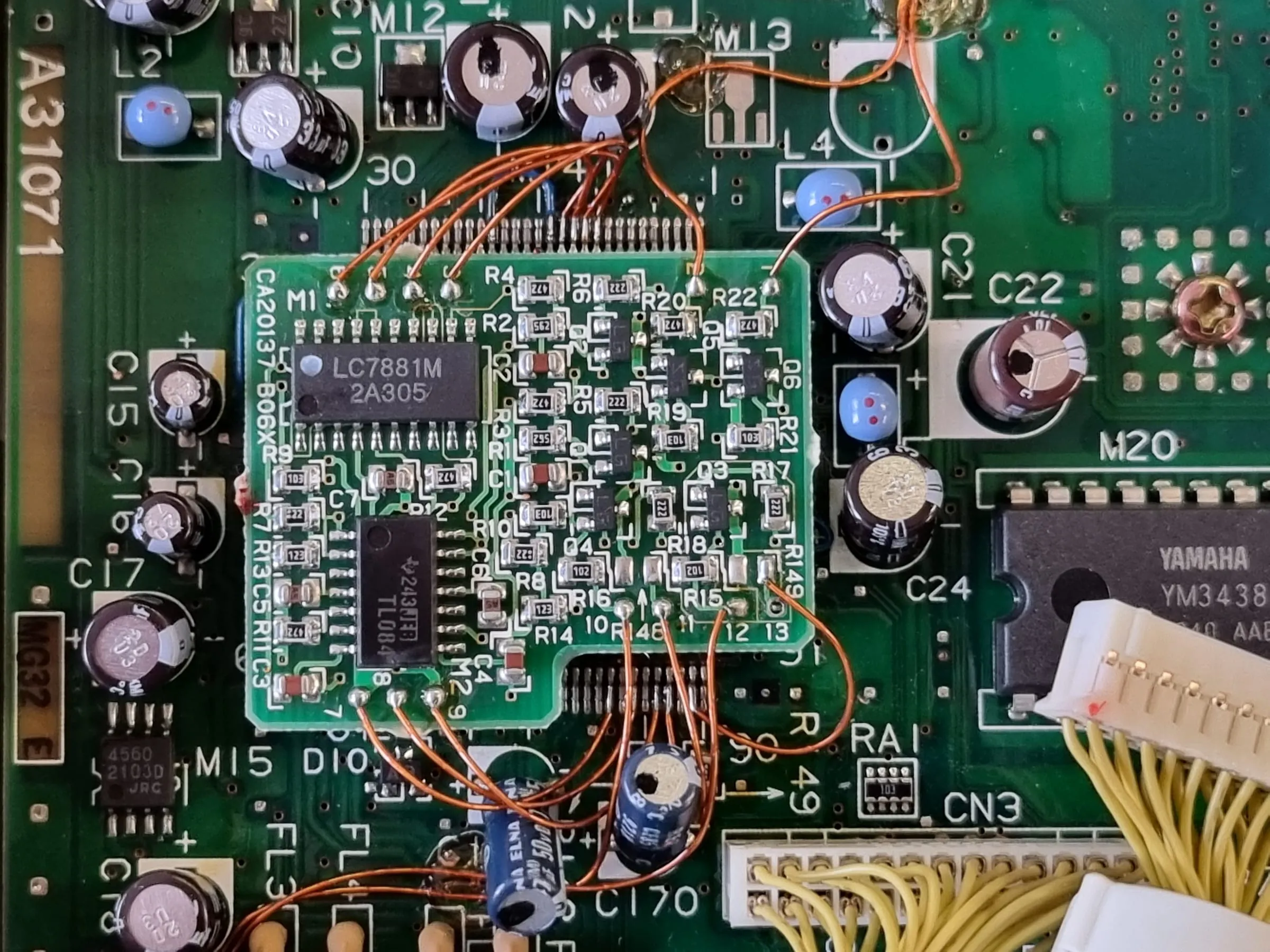
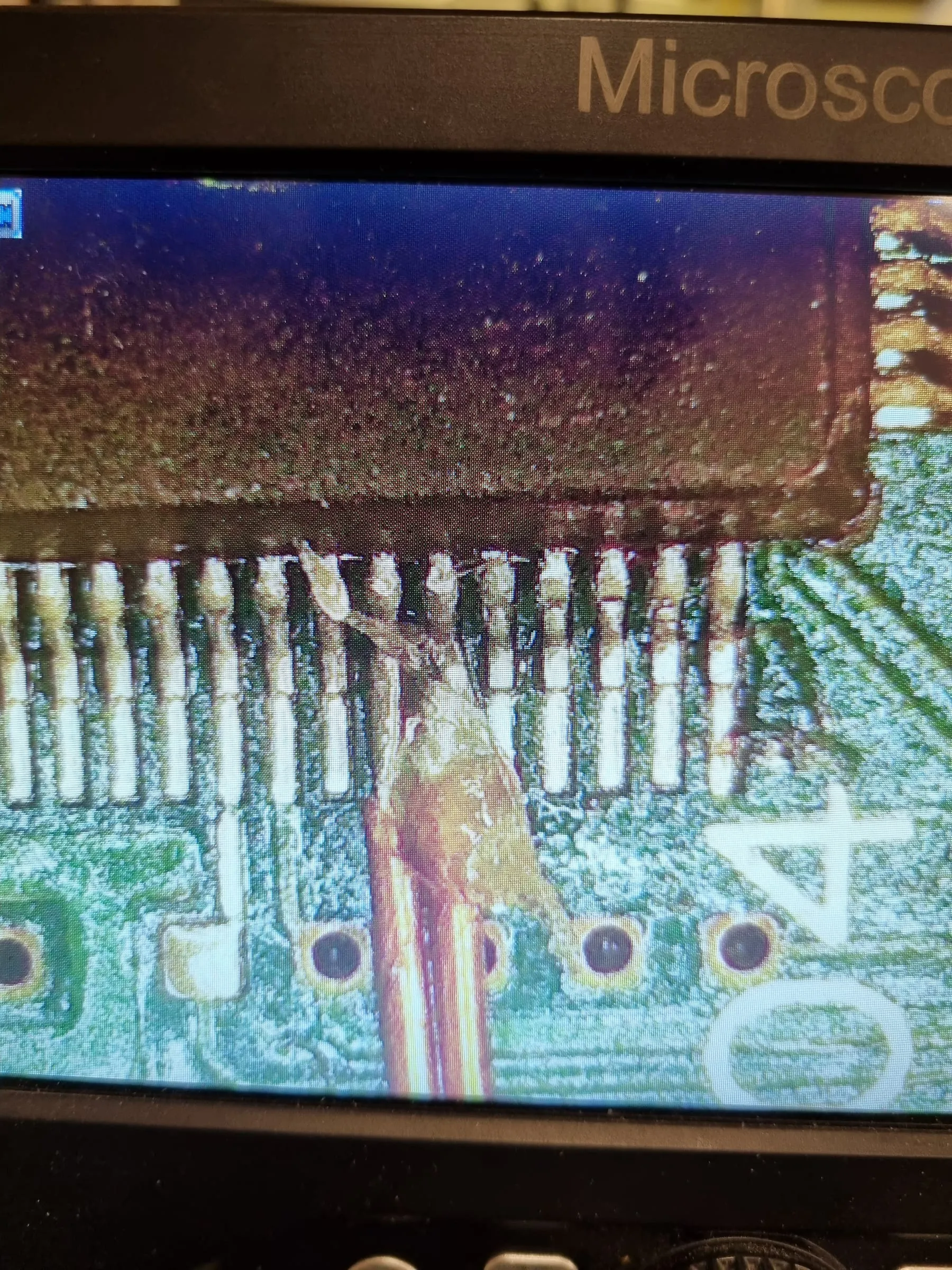
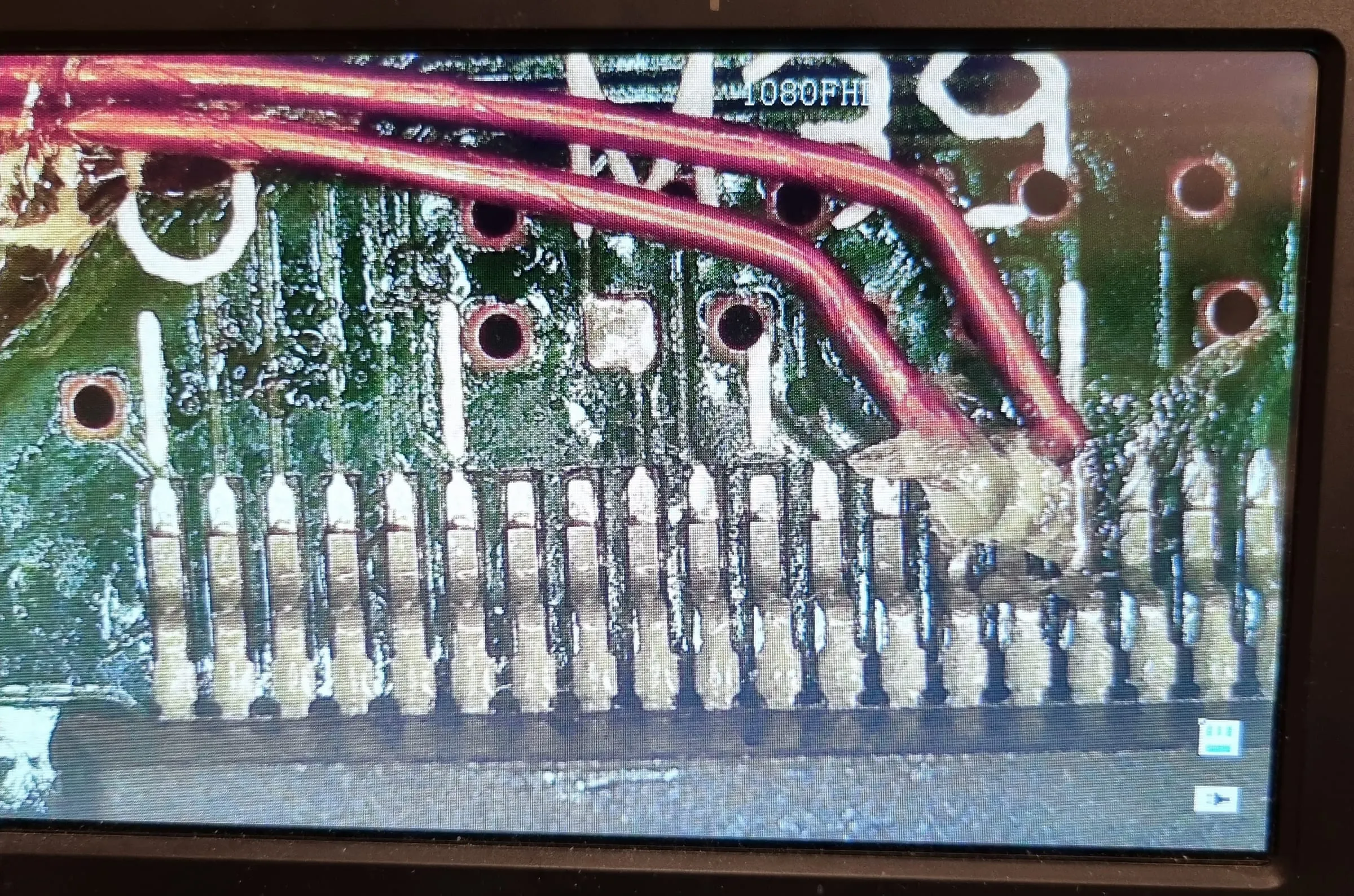
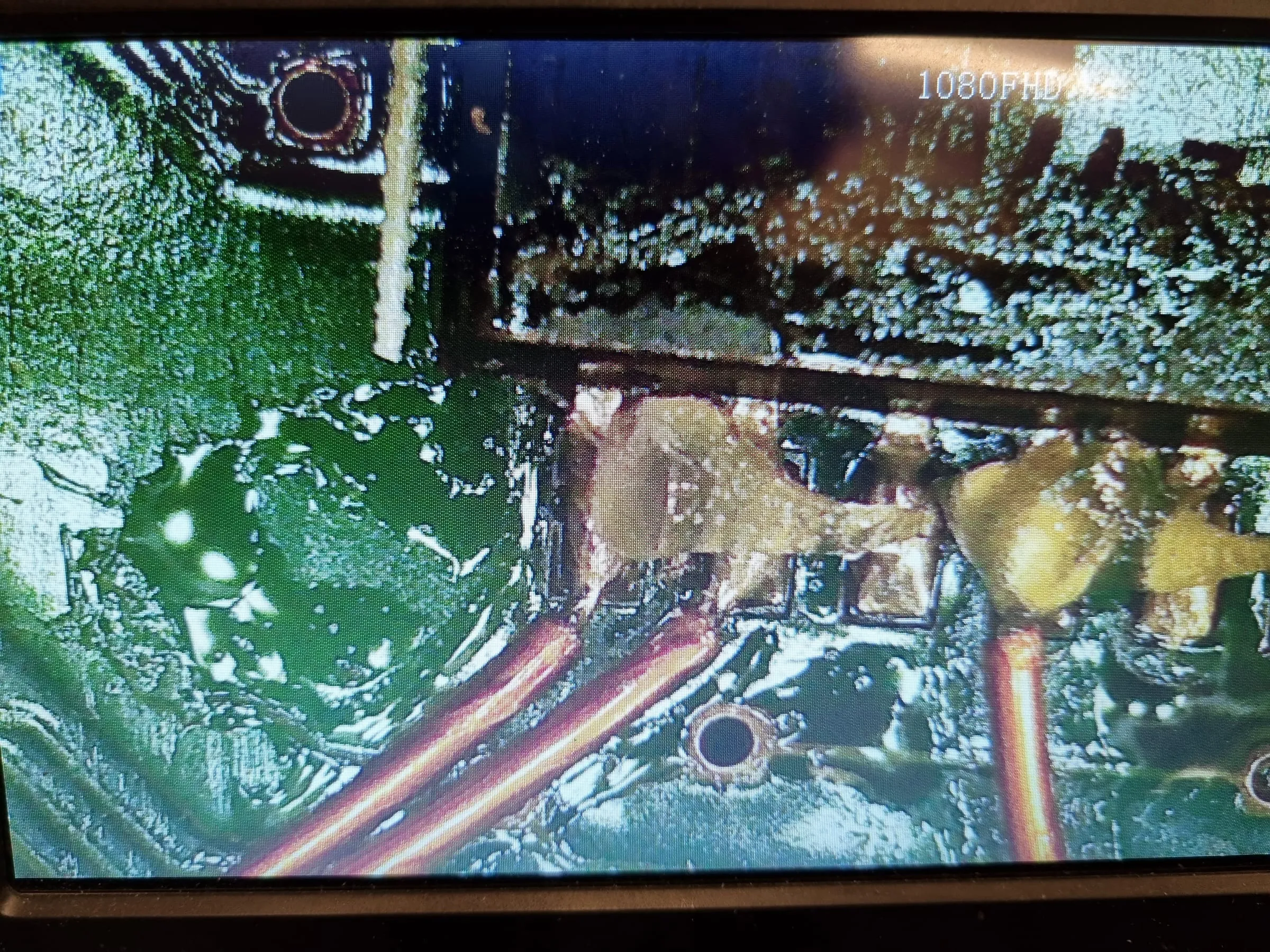
Along the way, found there are some heavy corrosion under capacitor C22. This is reported to be the culprit of crackling sound or no sound. It’s so dried up I can lift it up without soldering iron.
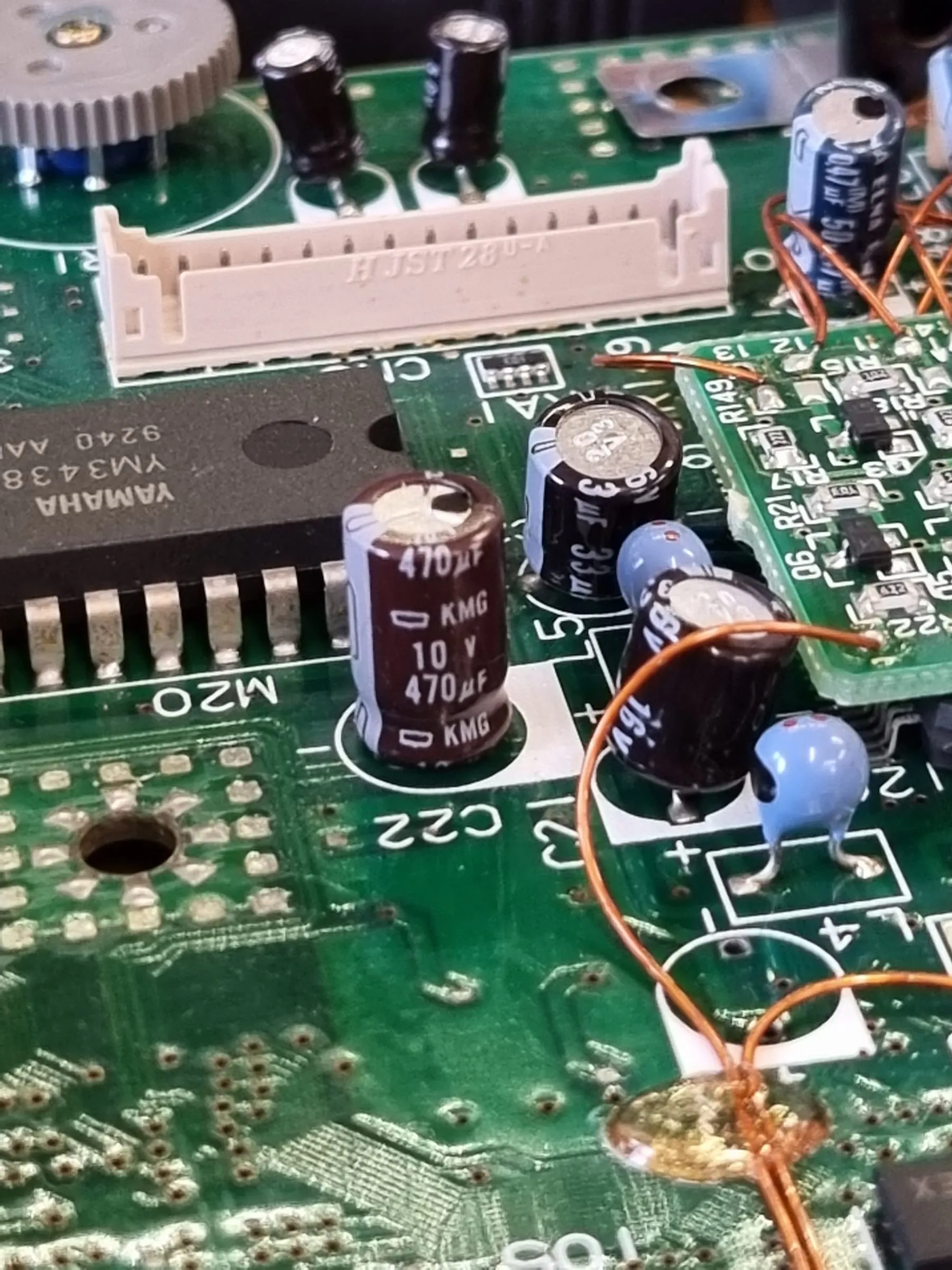
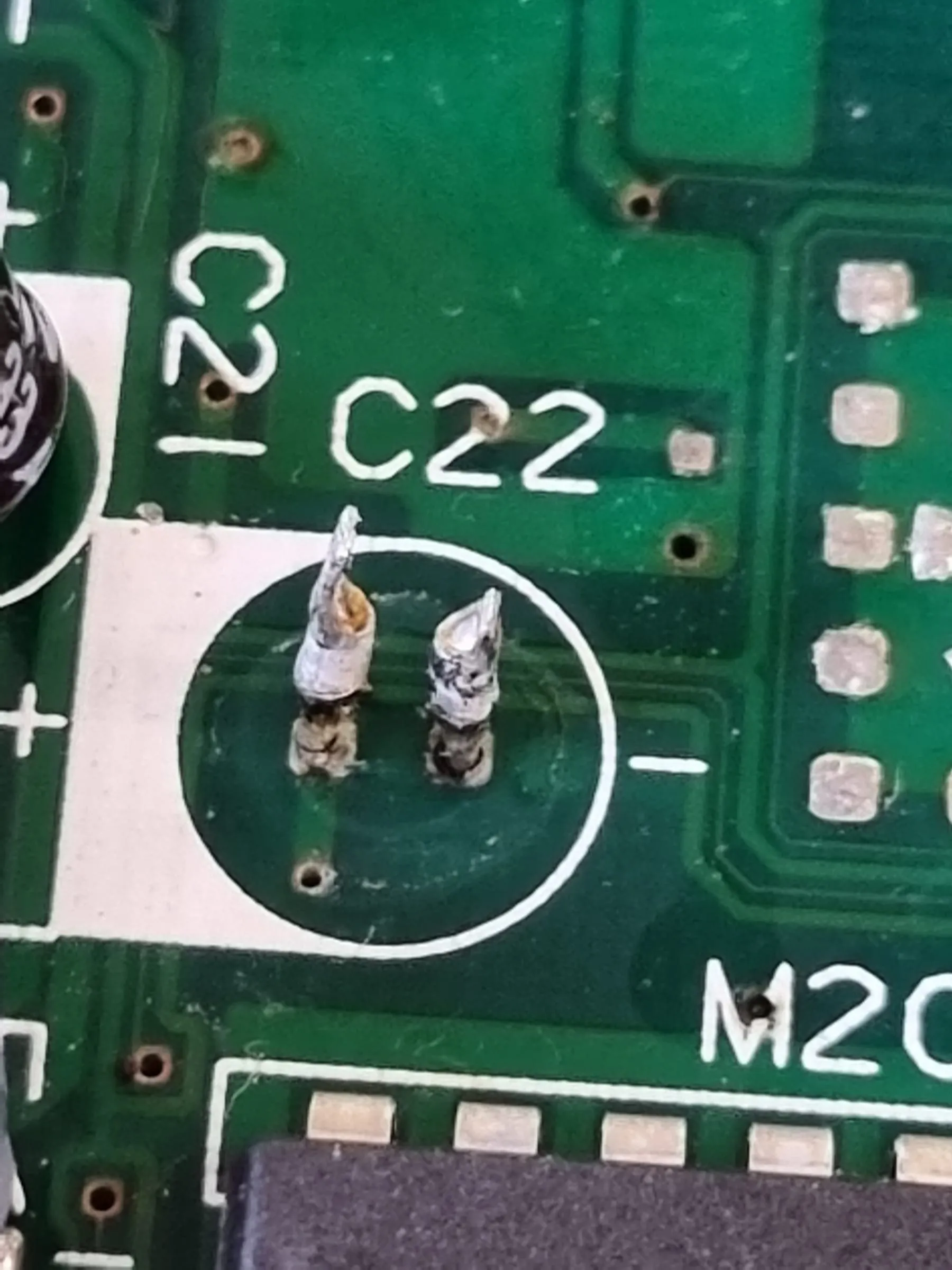
And possibly from the C22 corrosion, one of the ASIC has some unexplainable gunk on its legs. These are probably the culprit of the non-booting behaviour.
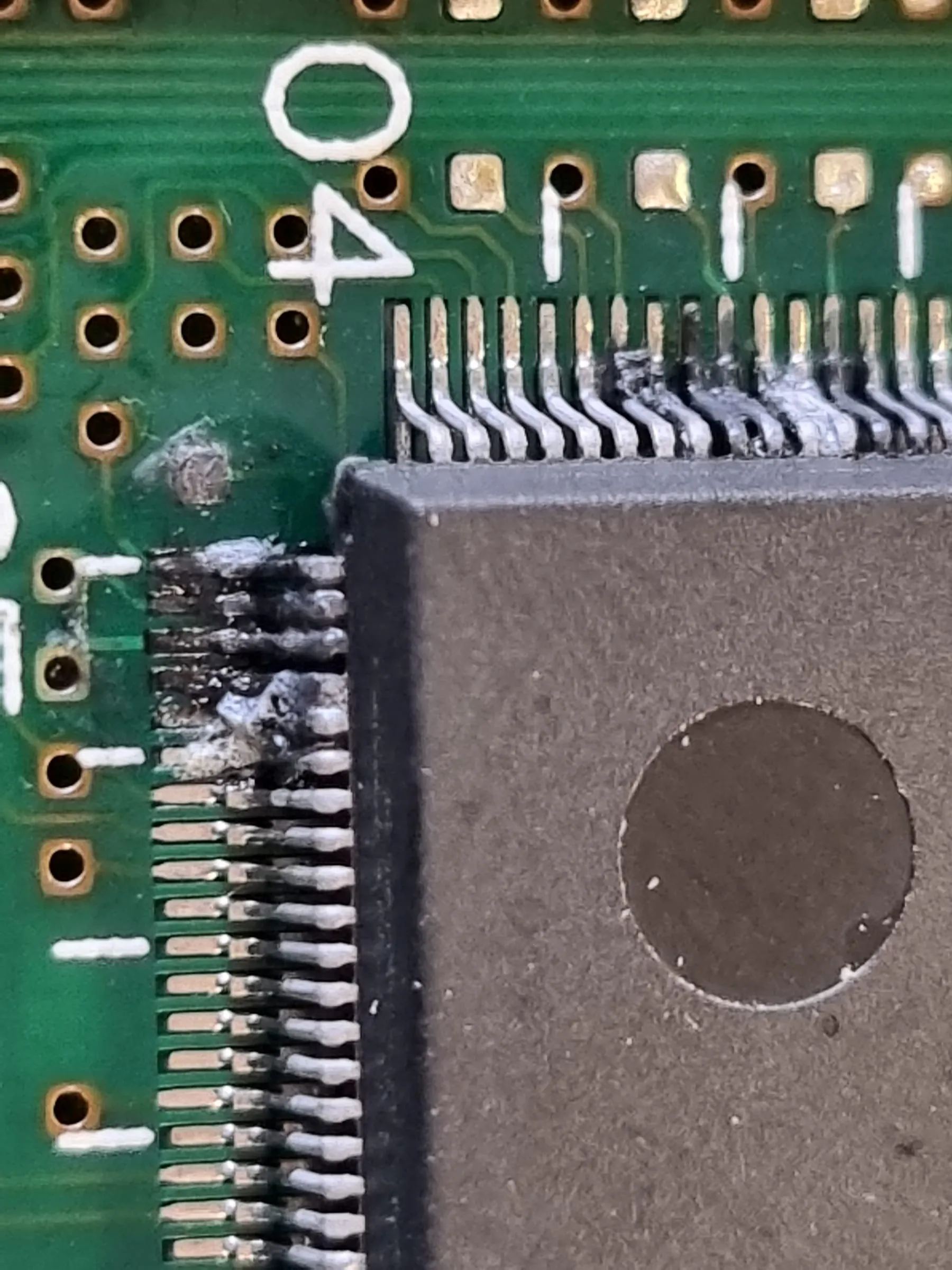
Repair Round #2
Reflowed most of the touchable factory bodges. Cleaned the gunk on the ASIC. Removed and replaced C22.
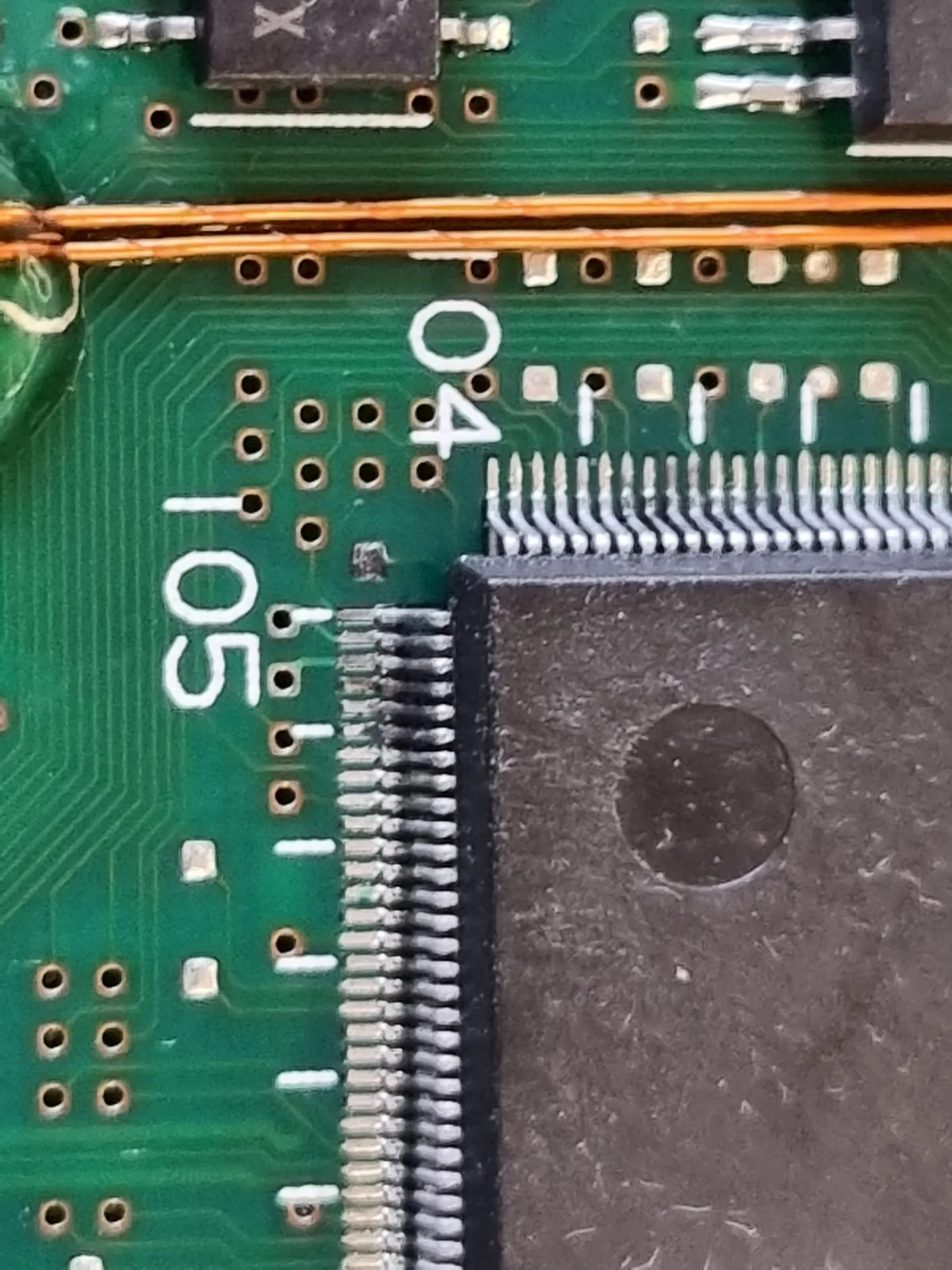
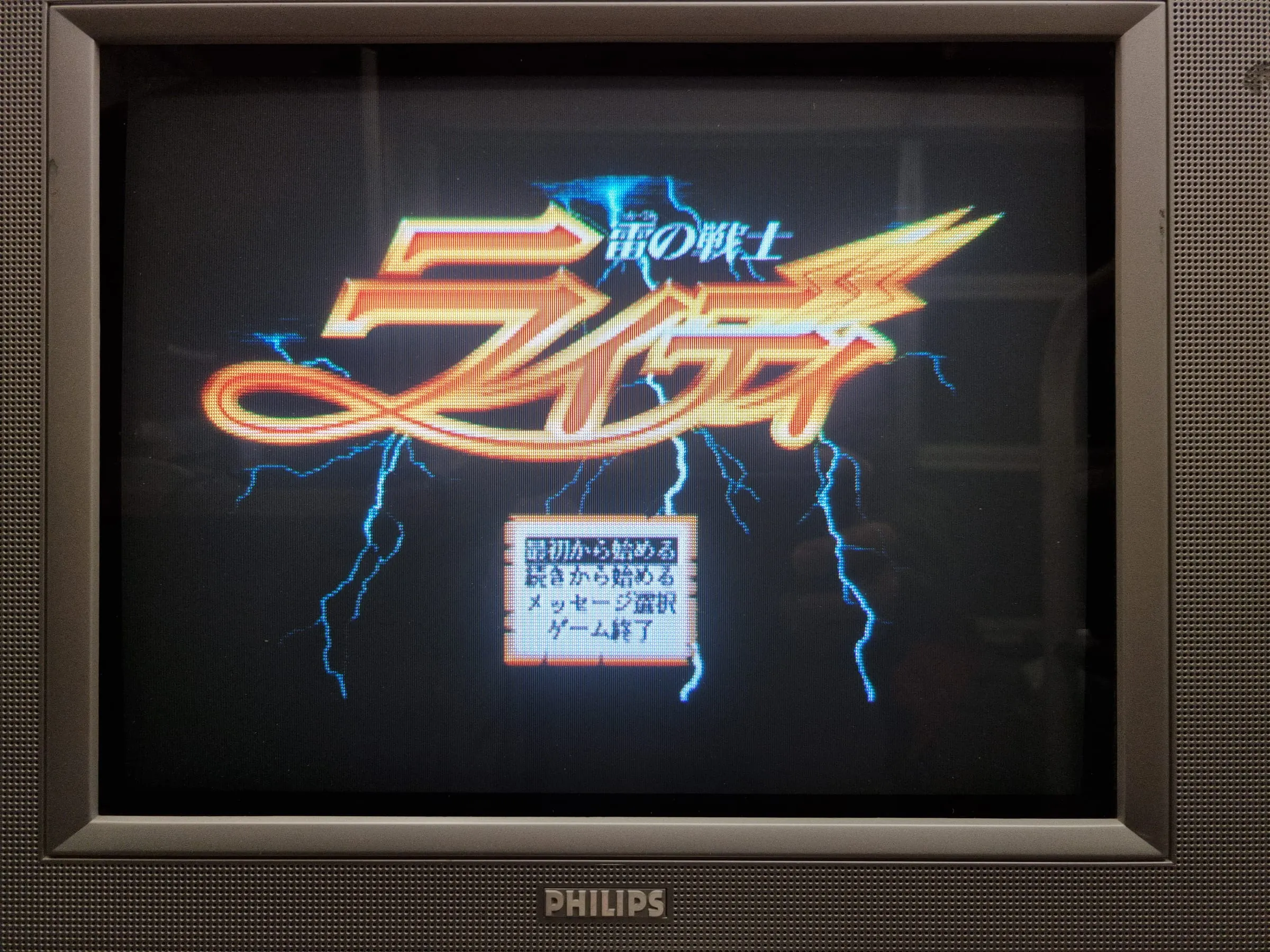
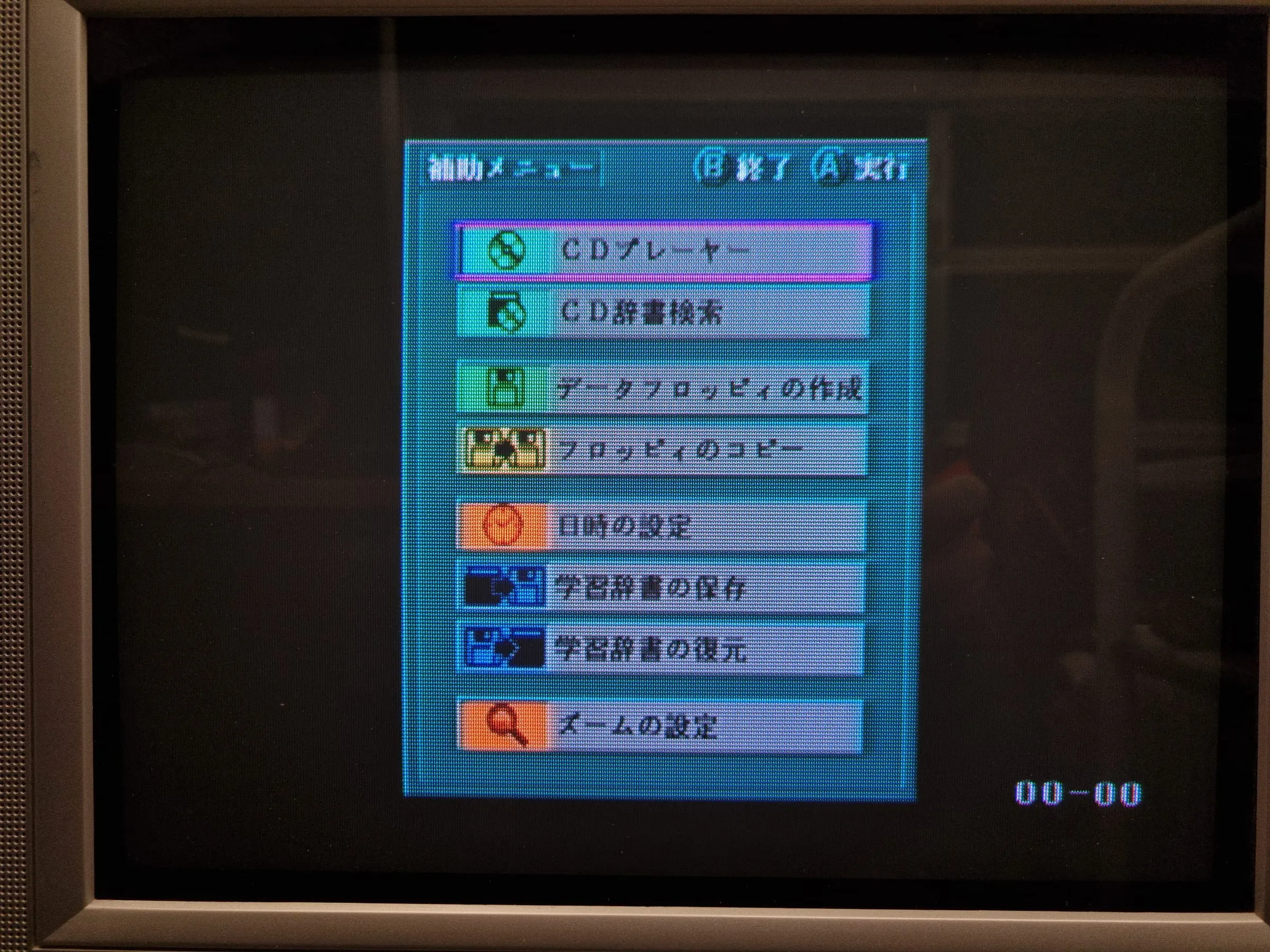
Assembled, and booting. Great, we have visuals. But during stress test, the computer freezes twice and finally give up booting again. Time to check the gunk issue, there are probably some legs having marginal solder joints damaged by the corrosion.
Repair Round #3
Found the pin 101 is actually moving. It wasn’t easy to solder it back, given the pad has good amount of oxidation built up. But finally the work has finished without too much drama.
To service the floppy drive. A 75mmx3mm belt or slightly longer one can fit. You are welcome.
But in order to fit the belt, you might want to loose the whole mainboard on the floppy drive. Doing so requires removing 4 connectors on the top side.
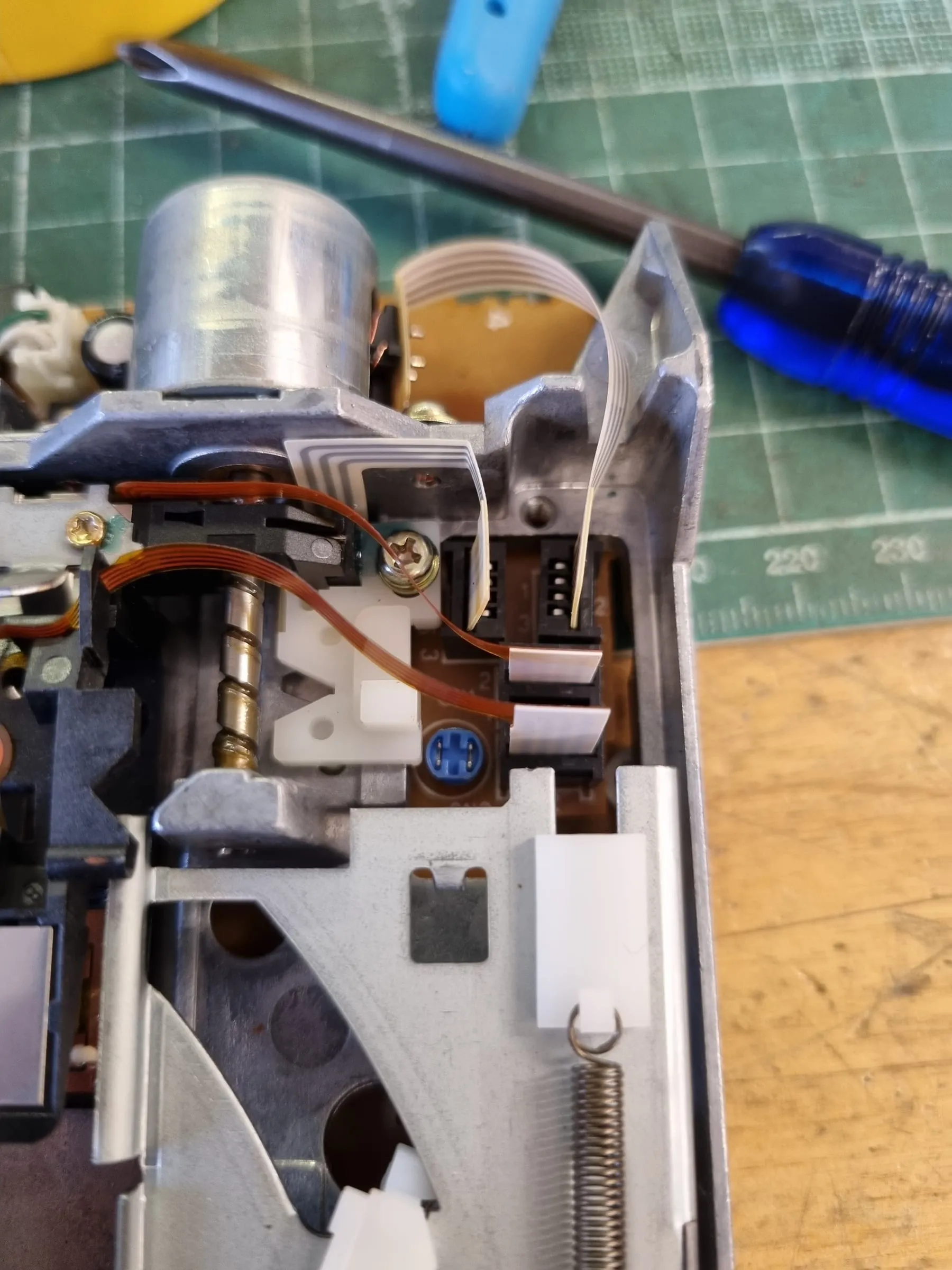
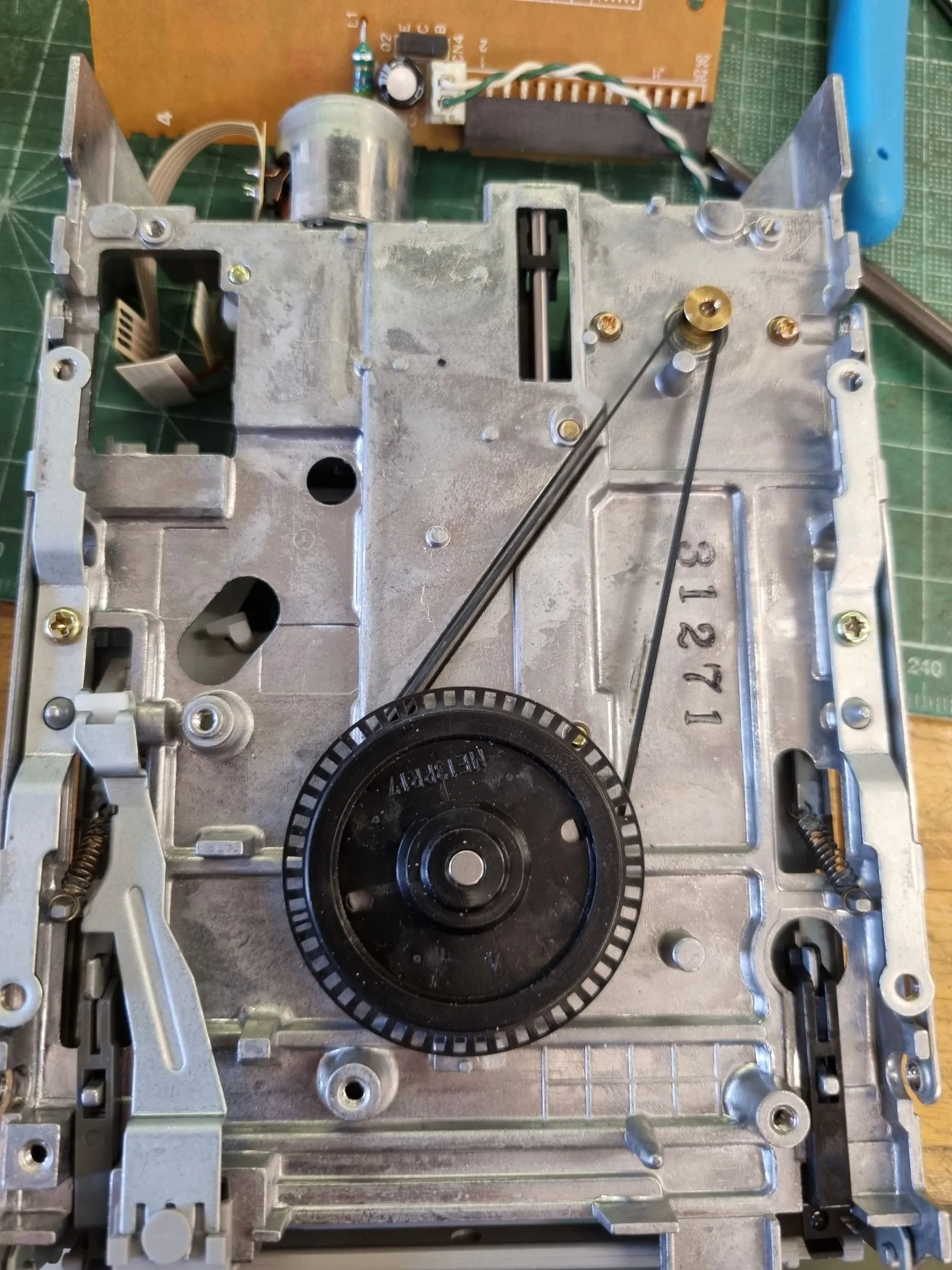
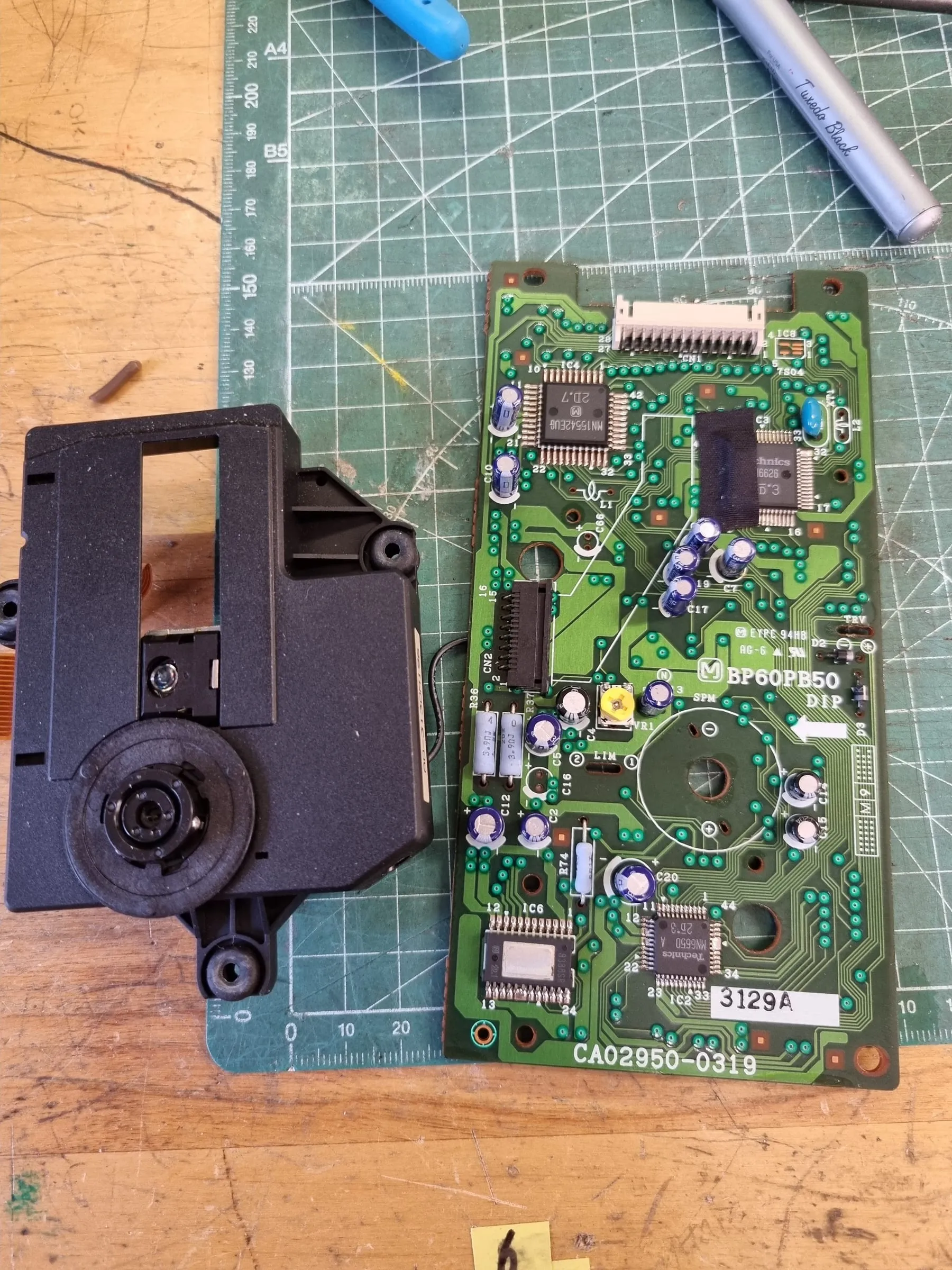
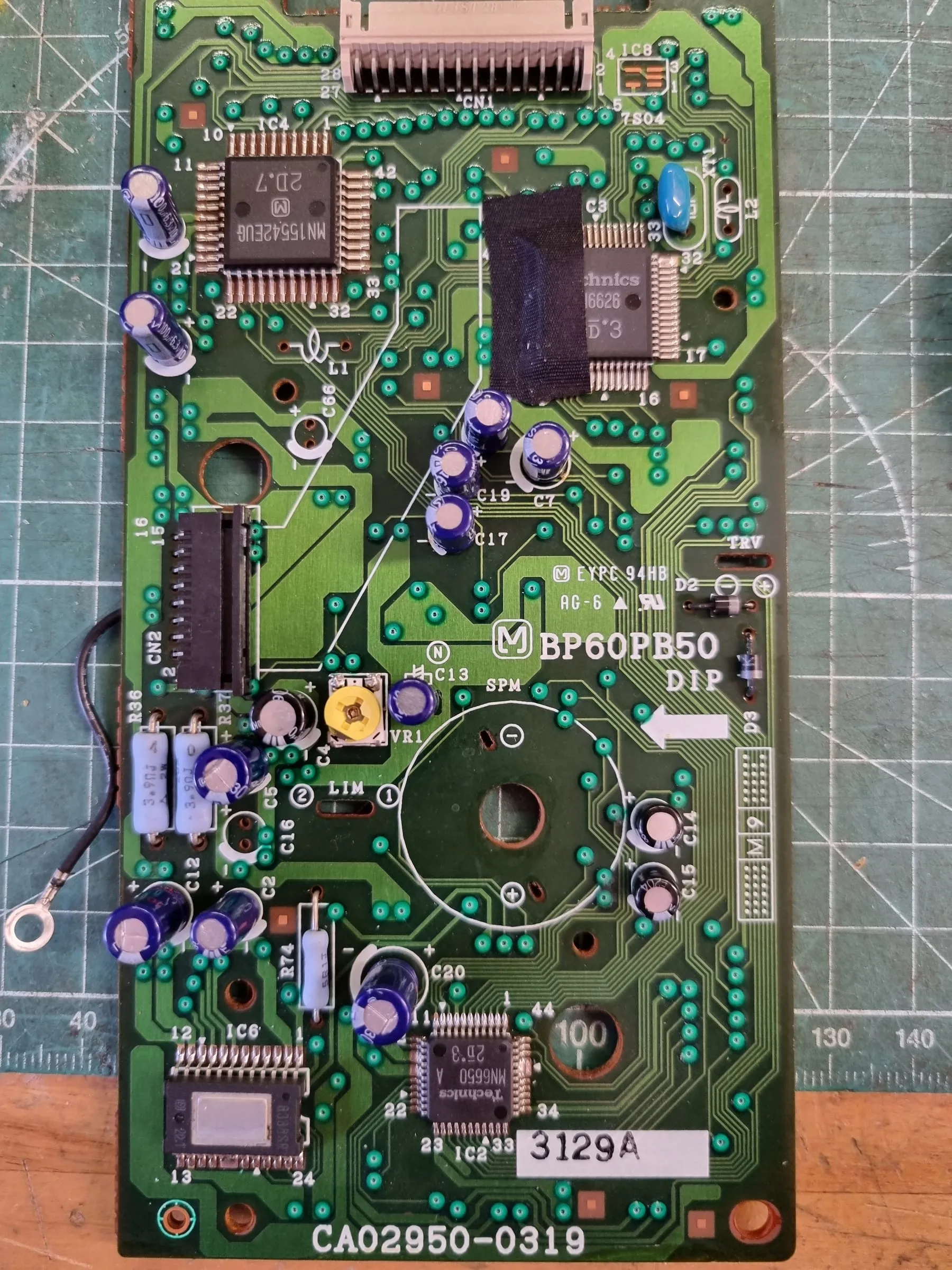
Along the way, recap one out of scope capacitor on the CD-ROM drive. Not a big issue, it was reading but looks slightly struggling. Replaced a strictly same value one, as the capacitance here can be crucial. However Fujitsu made sure you cannot get the optical assembly off easily so some desoldering work is needed.
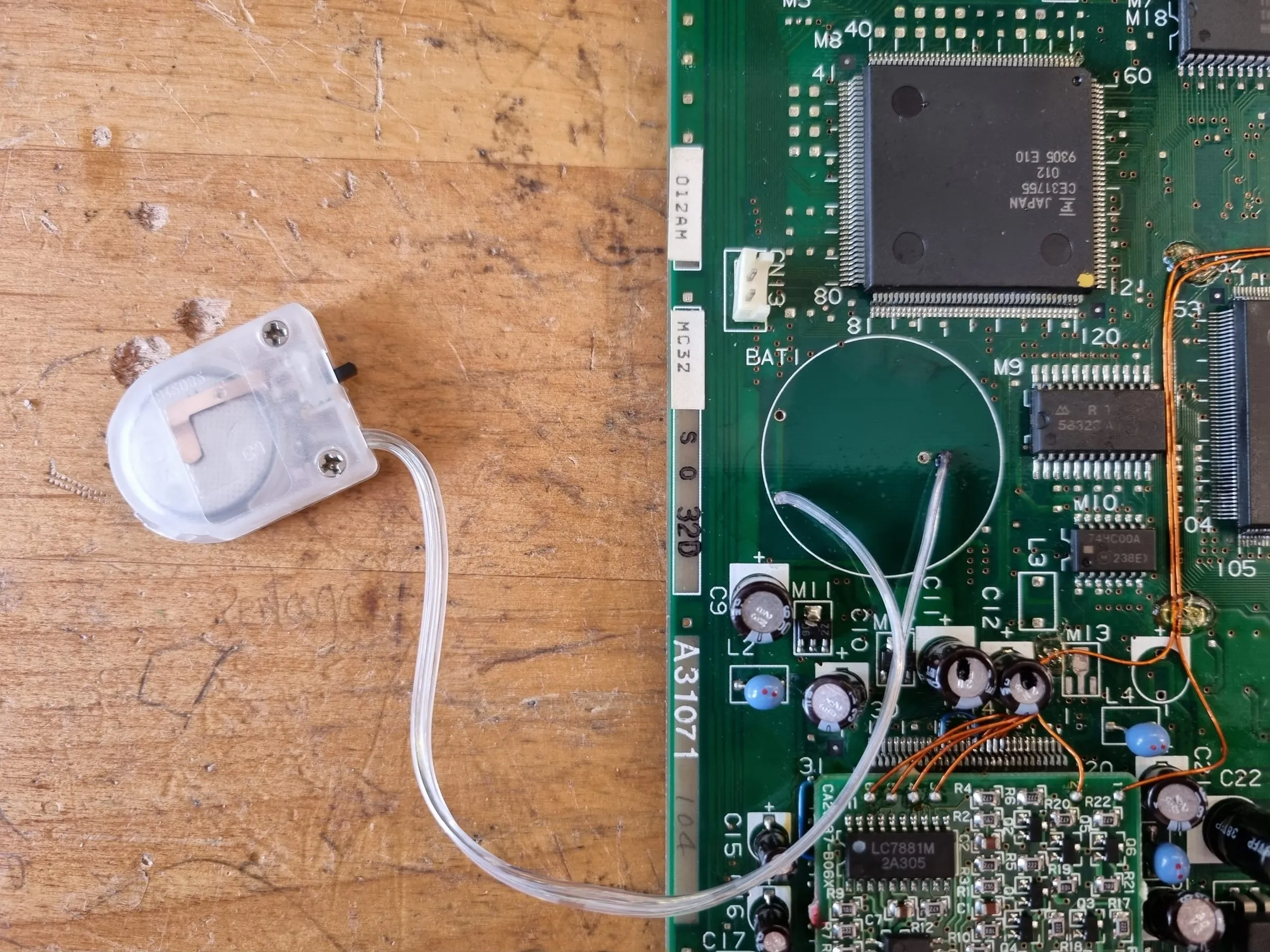
To make it even better, dead RTC battery has been replaced with a battery holder.
To all the dead capacitors: thank you for your service and rest in peace.